
How shared credits work on automated.info
Preview and editing are free. You spend 1 credit on the first download of a job. Packs never expire and work across every office tool.
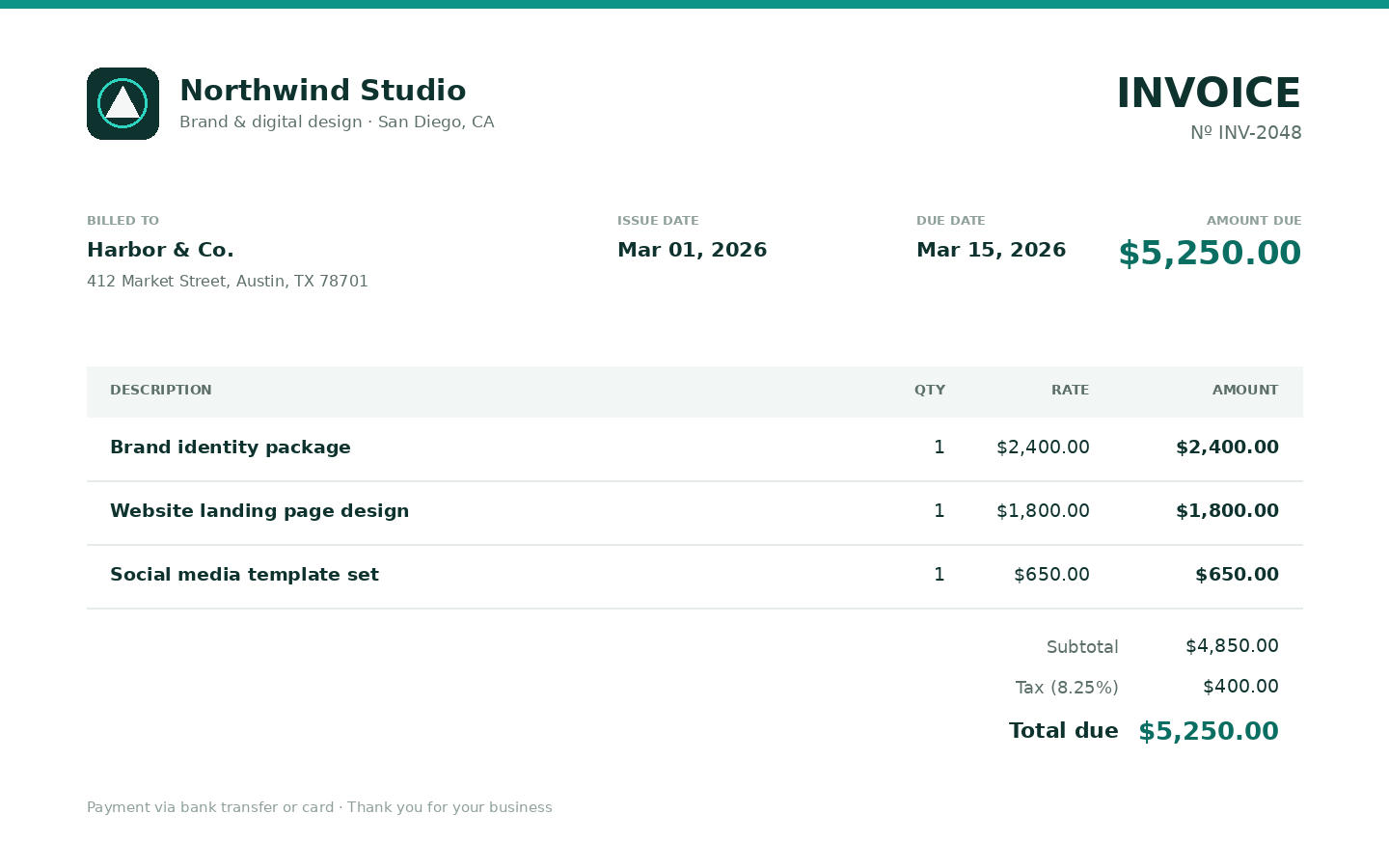
You should not have to guess when a browser tool will charge you. The tools use one credit balance for every office tool: invoices, contracts, proposals, estimates, timesheets, CSV cleanup, YouTube transcripts, and the document siblings (receipt, purchase order, packing slip, credit memo, payment reminder).
Forum Seeder is billed separately. This guide is only about credits.
The rule in one line
Preview and processing are free. 1 credit is charged on the first download of a job's paid result. Re-downloads of that job are free for 7 days. Files are then deleted.
What never costs a credit
- Opening a studio and typing
- Live preview as you edit
- Autosave (studios keep work for 7 days)
- Uploading a logo or CSV
- A job that fails or that you cancel
- The CSV problem-row file and HTML report
- Sending a timesheet into Invoice Studio (that is a new draft, still free to edit)
You only pay when you take the paid file: the invoice PDF, the cleaned spreadsheet, the transcript pack, and so on.
What 1 credit buys
One successful job. If a contract generate produces both PDF and DOCX, the first download of either file charges once. Both formats stay available for that job.
YouTube is the same idea: paid transcript outputs cost 1 credit the first time; job_summary.json is free.
Two free credits after you verify
- Create an account (one per email, and one per signup network).
- Open the verification email (48 hours).
- On My tools, click Gain your 2 free credits.
Packs (when 2 is not enough)
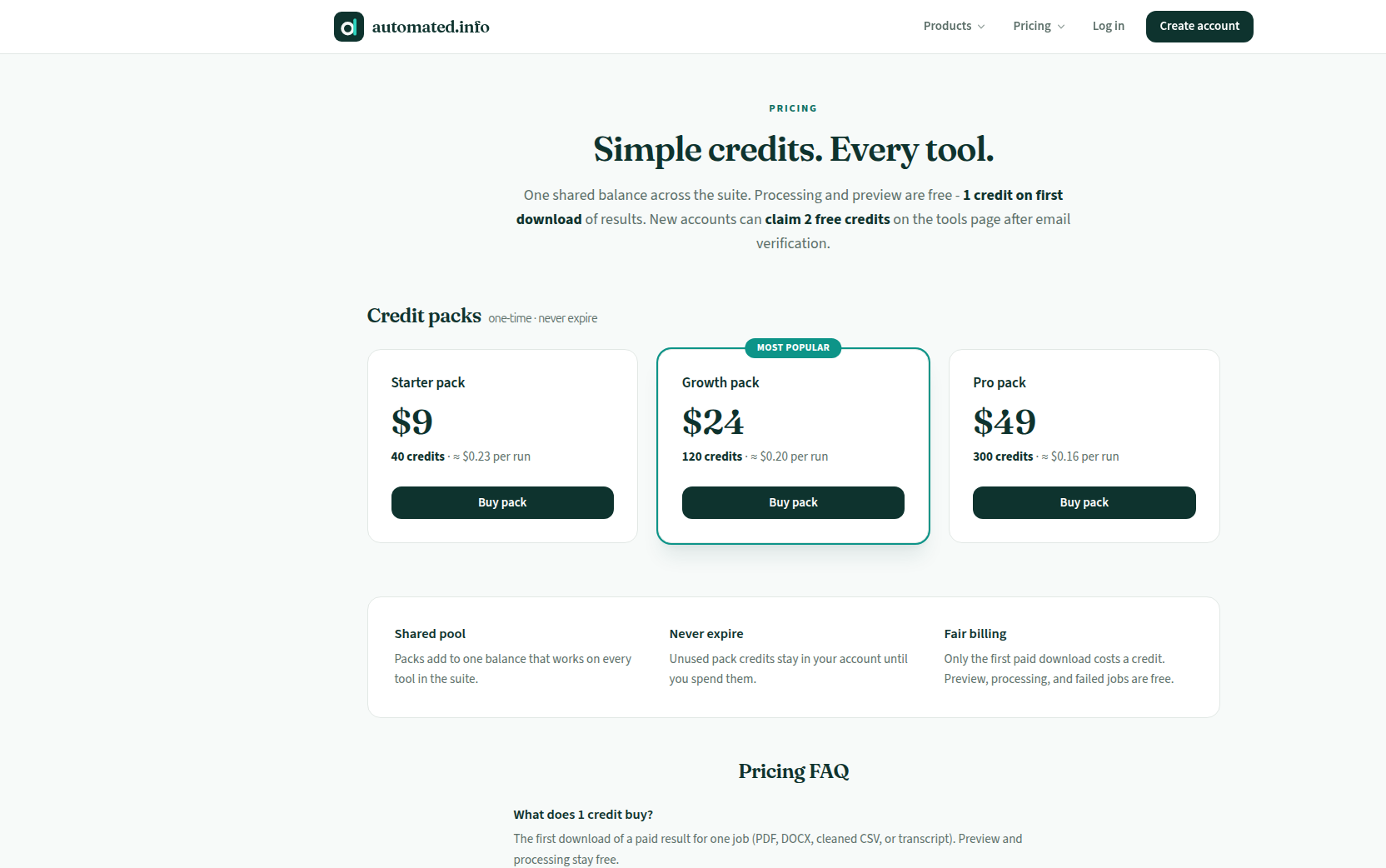
| Pack | Price | Credits |
|---|---|---|
| Starter | $9 | 40 |
| Growth | $24 | 120 |
| Pro | $49 | 300 |
Buy from Pricing or Account → Buy credits. Packs never expire and work on every office tool. Monthly credit subscriptions are not offered.
Refunds: a successful paid download is not refundable. Billing errors are. See Refunds.
Where to see the balance
- The credits balance on every studio
- Your account
- Tool history
History lists studio sessions and jobs. You can resume a session, download a job again (if it is still inside 7 days), or delete it.
Related guides
Browse the suite: Business tools.
Try it
Claim 2 free credits
Preview is free. 1 credit on first download. Claim 2 credits after you verify.
Claim 2 free creditsFAQ
- When is a credit charged?
- On the first download of a paid result for that job. Preview, autosave, and failed or cancelled runs are free. Re-downloads of the same job are free for 7 days.
- Do unused credits expire?
- No. Signup credits and pack credits stay on the account until you spend them.
- Do credits cover Forum Seeder?
- No. Forum Seeder is a separate 3-day trial then a monthly plan. Credits are for office tools only.