
Clean a messy CSV without a local spreadsheet install
Upload, map columns, preview fixes, set problem rows aside, then download a clean file. Processing is free. 1 credit on the cleaned download.
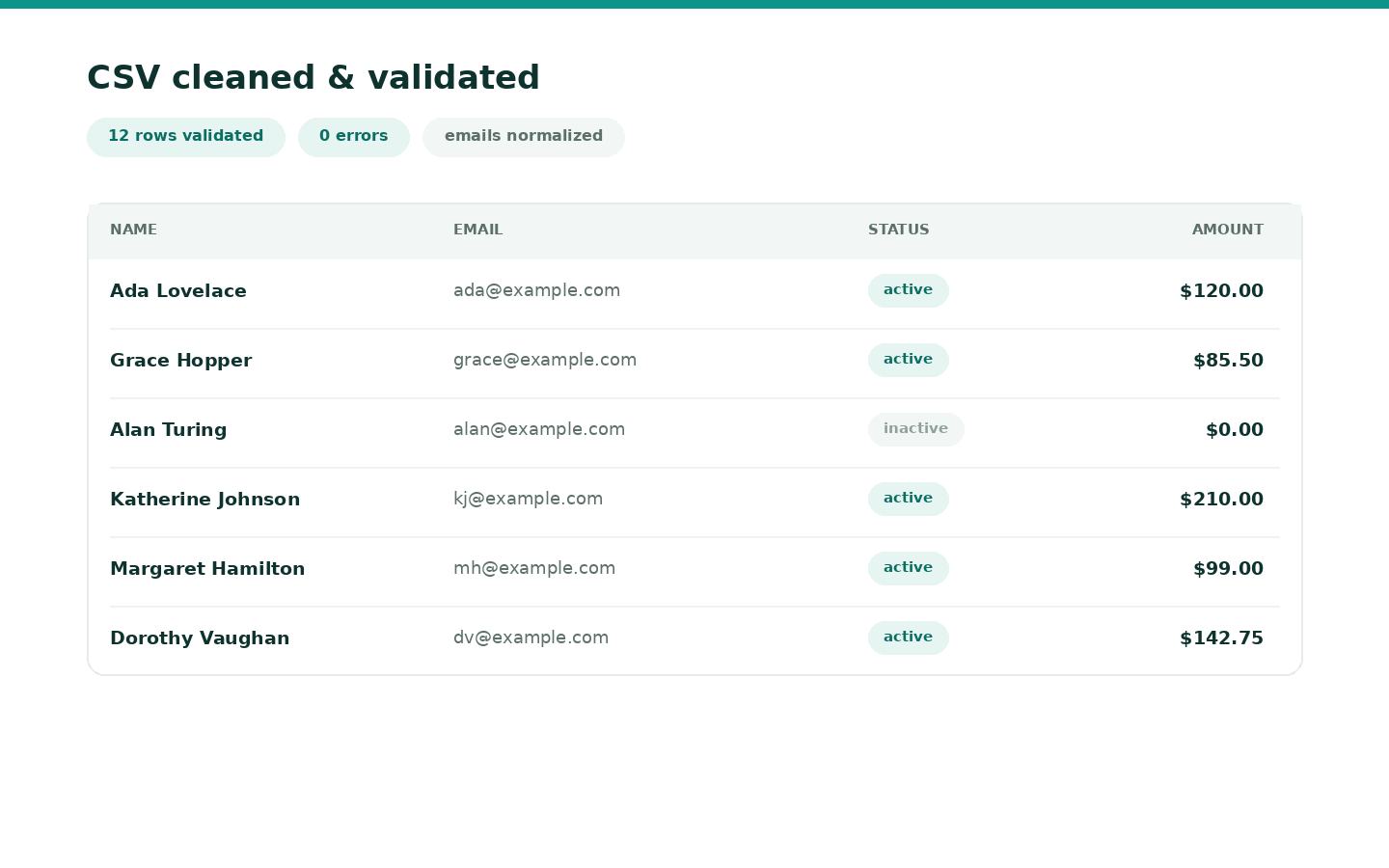
Exports arrive with the wrong encoding, duplicate emails, mixed date formats, and headers nobody named twice the same way. CSV Studio is an interactive pass: detect, map, preview, then download.
Product: CSV cleaner and validator.
Steps
- Open CSV studio from My tools.
- Upload CSV, TSV, or Excel. You can add more than one file.
- Confirm detected format. Map source columns to clean names (presets for Contacts, Orders, Invoices, or your own).
- Toggle cleaners (trim, dates, currency, dedupe, required fields).
- Preview before/after. Problem rows can go to a separate file so the cleaned sheet stays import-ready.
- Process (free). Download the cleaned file (1 credit the first time). Quarantine CSV and
report.htmlare free.
Related
- How shared credits work
- Timesheet CSV import lives in Timesheet Studio, not here.
Try it
Clean a CSV
Preview is free. 1 credit on first download. Claim 2 credits after you verify.
Clean a CSVFAQ
- When am I charged?
- Processing, preview, and re-runs are free. 1 credit on the first download of the cleaned spreadsheet for that job. Problem rows and the HTML report are free.
- Can I merge several files?
- Yes. Upload multiple CSV or Excel files in one session. Columns are unioned and aligned.
- What happens to rows that fail validation?
- They go to a separate quarantine file with a free HTML report. The cleaned download only includes rows that passed, so you can import without fixing bad lines by hand.