
Receipts, purchase orders, packing slips, credit memos, and payment reminders
Five studios that share the same preview engine as estimates. Same credits. Same 7-day retention. Built so the paperwork around an invoice matches the invoice.
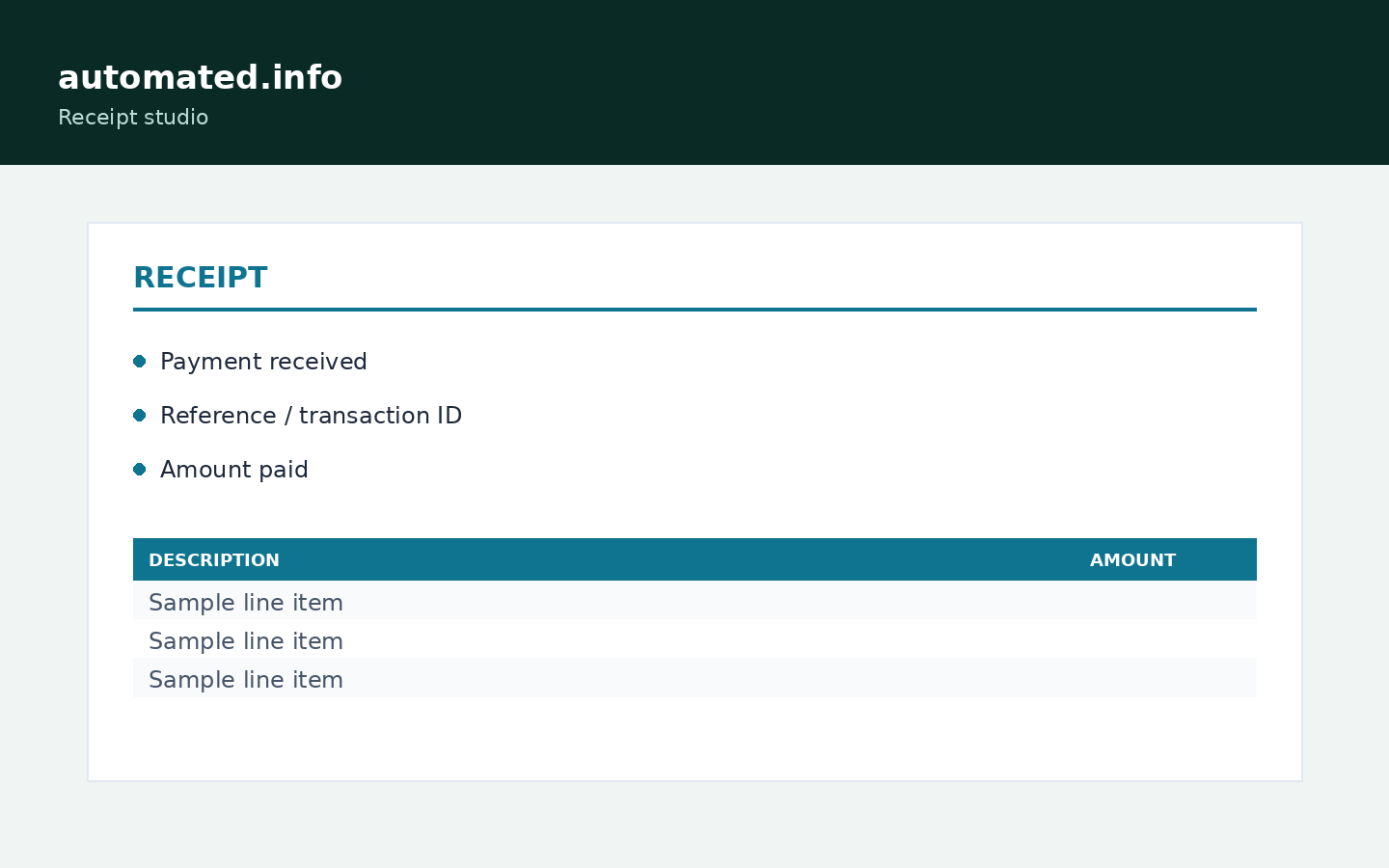
These five studios sit next to Invoice and Estimate. They share live preview, logos, templates, and the same credit rule. Use them so the paper around a job matches the invoice, not a different Word theme each time.
| Studio | Client label | Extra fields | Product |
|---|---|---|---|
| Receipt | Customer | Amount paid, method, reference | /business-tools/receipt-pdf-generator |
| Purchase order | Vendor | Requested delivery, vendor reference | /business-tools/purchase-order-pdf-generator |
| Packing slip | Ship to | Prices off unless you enable them | /business-tools/packing-slip-pdf-generator |
| Credit memo | Customer | Original invoice number | /business-tools/credit-memo-pdf-generator |
| Payment reminder | Customer | Letter intro, original due date | /business-tools/payment-reminder-pdf-generator |
Shared steps
- Open the studio from My tools.
- New document. Fill parties and lines. Logo optional.
- Preview free. Save a template if this is recurring.
- Download PDF. 1 credit first time per job. 7 days of re-downloads.
Try it
Browse document tools
Preview is free. 1 credit on first download. Claim 2 credits after you verify.
Browse document toolsFAQ
- Do packing slips show prices?
- Hidden by default. Tick the checkbox on the studio if the slip should show amounts.
- Is a payment reminder legal demand?
- No. It is a letter PDF you write. Not legal advice.