
Purchase order studio
Build purchase order PDFs in your browser
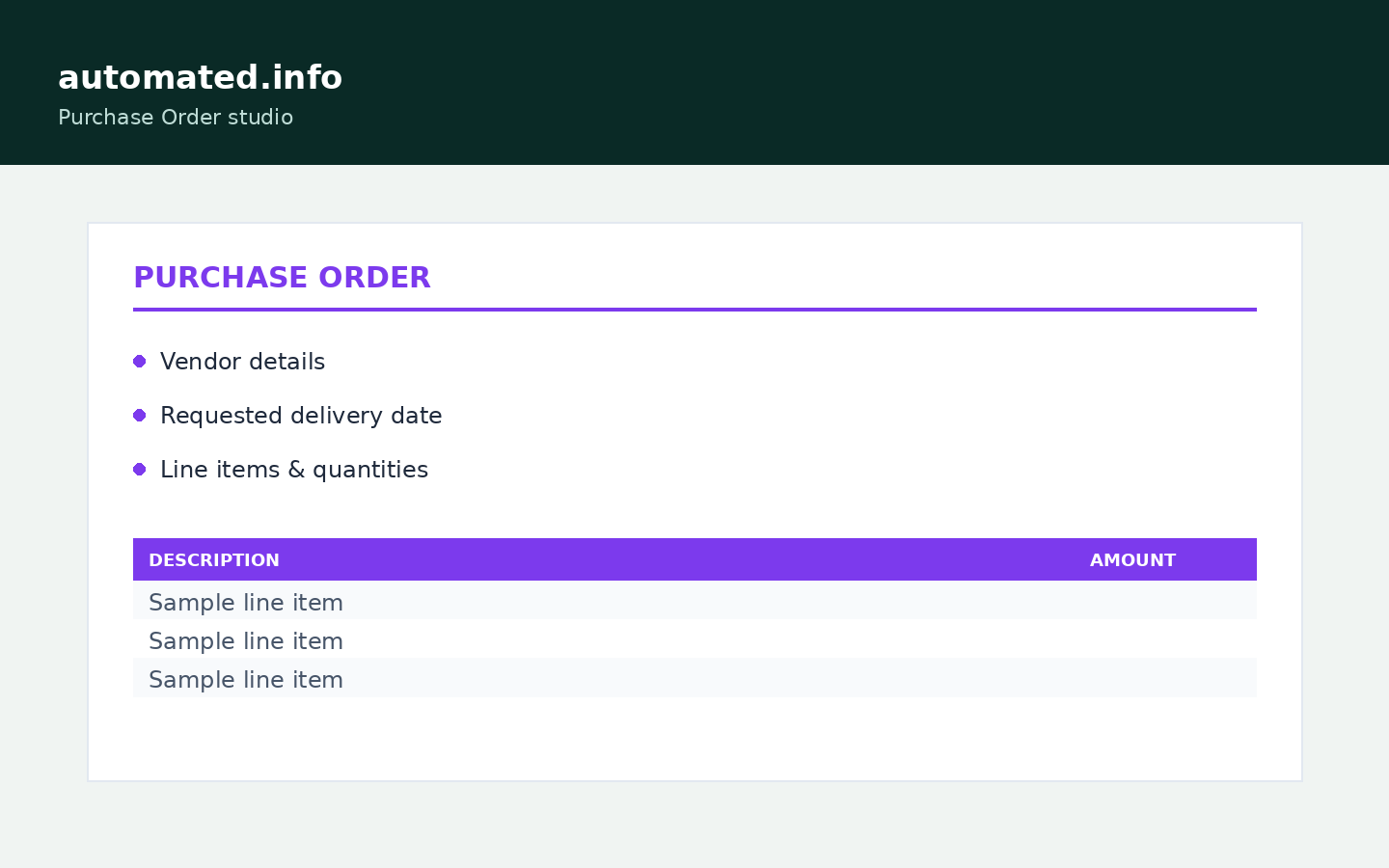
Enter your business and vendor details, add line items, set a requested delivery date, and download a branded purchase order PDF - no CSV, no install.
1 credit when the job succeeds · failed runs are free
Why teams use it
Built to remove busywork
- Live WYSIWYG preview - PDF matches what you see
- Logo upload or styled text logo, fonts and colors
- Vendor details, line items, requested delivery date, vendor reference
- Save reusable templates (view/load only) - purchase orders kept 7 days
How it works
From file to finished in minutes
-
01
Build
Enter your business and vendor details, add line items and quantities.
-
02
Preview
Watch the purchase order update live as you type - free, no credit.
-
03
Download PDF
Generate once; first PDF download costs 1 credit, re-downloads are free.
Built for
Small businesses and buyers who need a clean, trackable PO to send to a vendor or supplier.
Questions
Good to know
- Can I set a delivery date?
- Yes - there is a requested delivery date field alongside the order date.
- Can I reference a vendor account number?
- Yes - there is a vendor reference field for your account or vendor-side PO number.
- Can I add my company logo?
- Yes - upload PNG, JPG, or WEBP up to 5 MB (any dimensions; we resize automatically) or use a styled text logo.
- When am I charged?
- Preview is free. 1 credit is charged on the first PDF download per purchase order.
From the guides
Read next
Related tools: Packing Slip PDF Generator · Invoice PDF Generator
Ready to run it?
Shared credits · no software to install · failed jobs free