
CSV data processor
Clean and validate CSV files online
Interactive studio for messy exports: detect format, map your columns, preview fixes, set aside problem rows, then download clean data. Processing is free - pay 1 credit only when you download the cleaned file.
1 credit when the job succeeds · failed runs are free
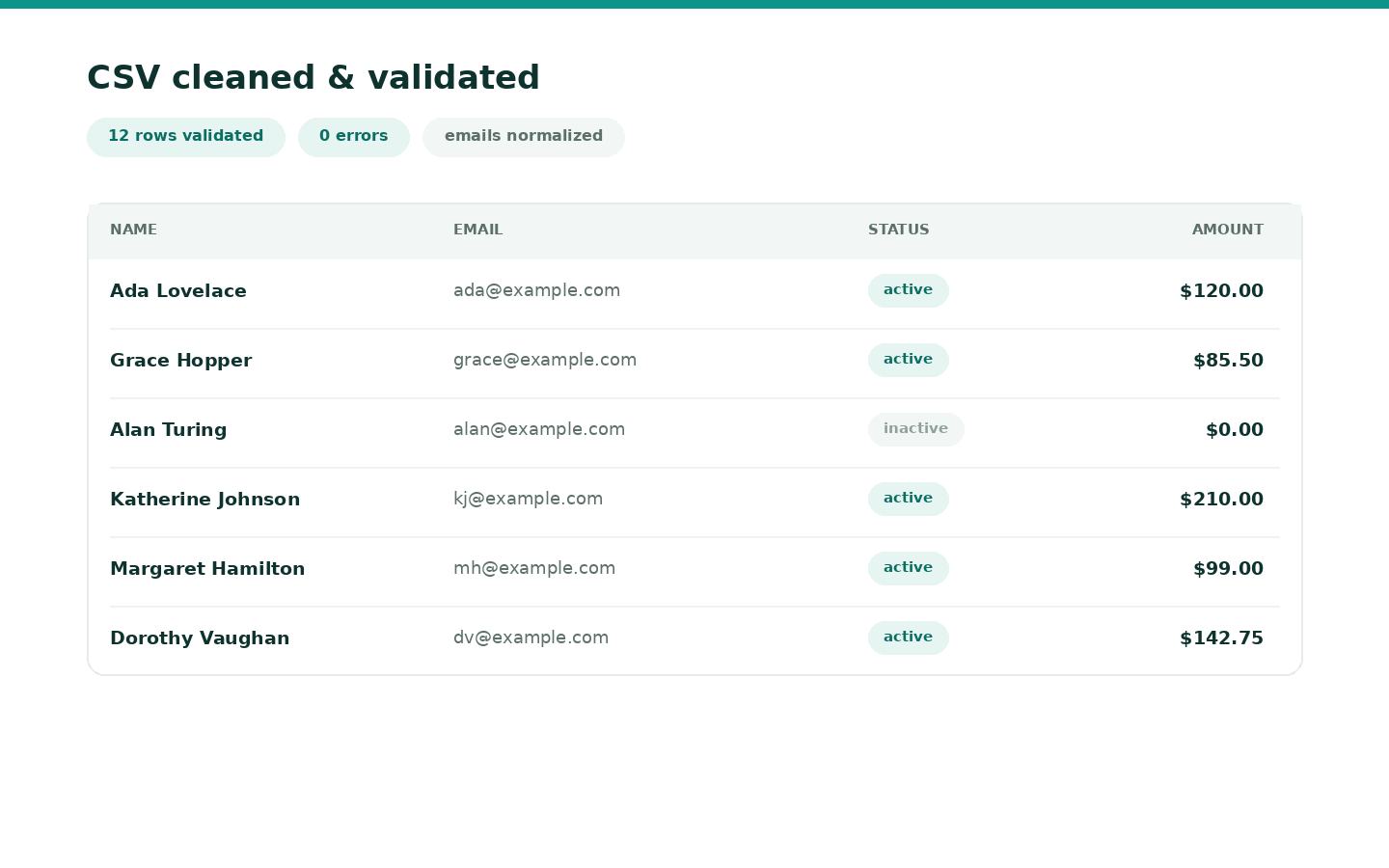
Why teams use it
Built to remove busywork
- Works on your column names - not a fixed template
- Preview before/after before you commit
- Cleaned file + optional problem-row file + HTML report
- Resume unfinished work for 7 days
- 1 credit only when you download the cleaned file
How it works
From file to finished in minutes
-
01
Upload
Drop CSV, TSV, or Excel - merge multiple files if needed.
-
02
Map & clean
Auto-detect format, map columns, toggle cleaners, preview.
-
03
Download
Get your cleaned spreadsheet (1 credit). Problem rows and the HTML report are free.
Built for
Ops, marketing, and finance teams who live in messy CSV exports.
Questions
Good to know
- Can I merge files?
- Yes - upload multiple CSV/Excel files in one session; columns are unioned and aligned.
- When am I charged?
- Processing, preview, and re-runs are free. You spend 1 credit on the first download of the cleaned spreadsheet for that job.
- What are “problem rows”?
- Rows that fail your required/unique checks. By default we put them in a separate free download so your cleaned file stays import-ready.
- What if my headers are weird?
- Use presets (Contacts, Orders, Invoices) or map any source column to a clean target name yourself.
- Can I come back later?
- Yes - sessions autosave for 7 days. Open History or the CSV studio hub to resume.
- Is my data safe?
- Files are stored outside the web root, never executed as code, isolated in Docker for processing, and deleted after 7 days. Only your account can access your sessions.
From the guides
Read next
Related tools: Invoice PDF Generator
Ready to run it?
Shared credits · no software to install · failed jobs free