
Timesheet → Invoice
Turn time entries into invoices
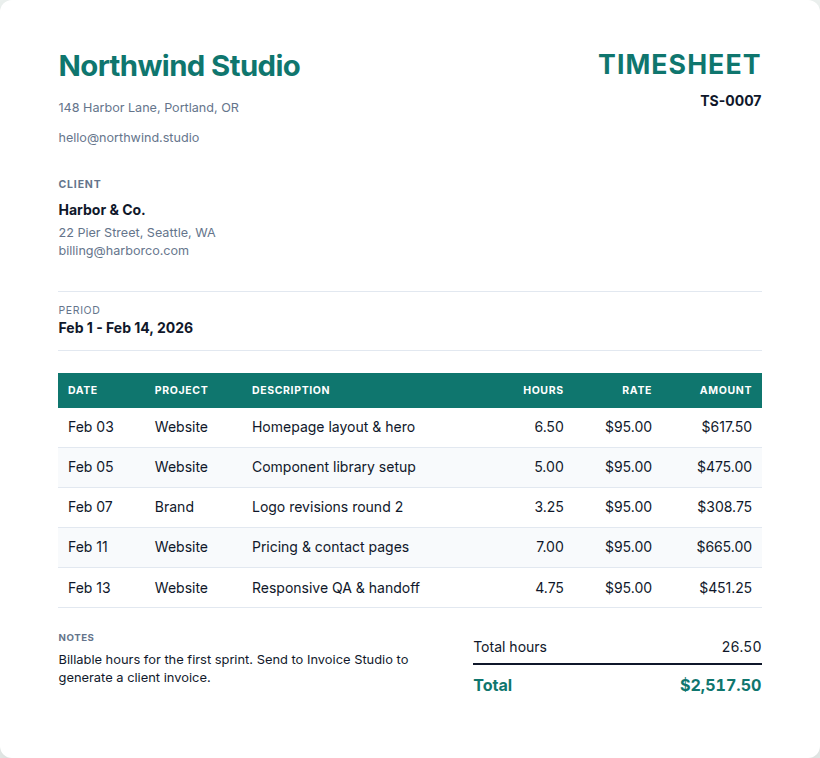
Log hours (or import a CSV), preview a timesheet summary PDF, then send hours × rate as line items into Invoice Studio.
1 credit when the job succeeds · failed runs are free
Why teams use it
Built to remove busywork
- Enter date, project, description, hours, and optional rate
- Import CSV with column mapping in the UI
- Live timesheet PDF preview (WeasyPrint)
- One-click bridge to Invoice Studio with seeded line items
- 1 credit on first timesheet PDF download; invoice billed separately
How it works
From file to finished in minutes
-
01
Log time
Add entries or import a CSV (date, description, hours, rate).
-
02
Preview & PDF
Watch the summary update live; generate a timesheet PDF when ready.
-
03
Send to invoice
Create an Invoice Studio session pre-filled with hours × rate.
Built for
Freelancers and consultants who bill from timesheets.
Questions
Good to know
- Does Send to Invoice charge a credit?
- No - it creates a draft invoice session. You pay 1 credit when you download the invoice PDF.
- What CSV format works?
- Any CSV with date, description, hours, and optional rate/project columns - map them in the UI.
From the guides
Read next
Business tools
Turn a timesheet into an invoice without retyping hours
Enter time (or import CSV), download a timesheet PDF if you need it, then send the rows into Invoice Studio for a client-ready invoice.
Read guide
Business tools
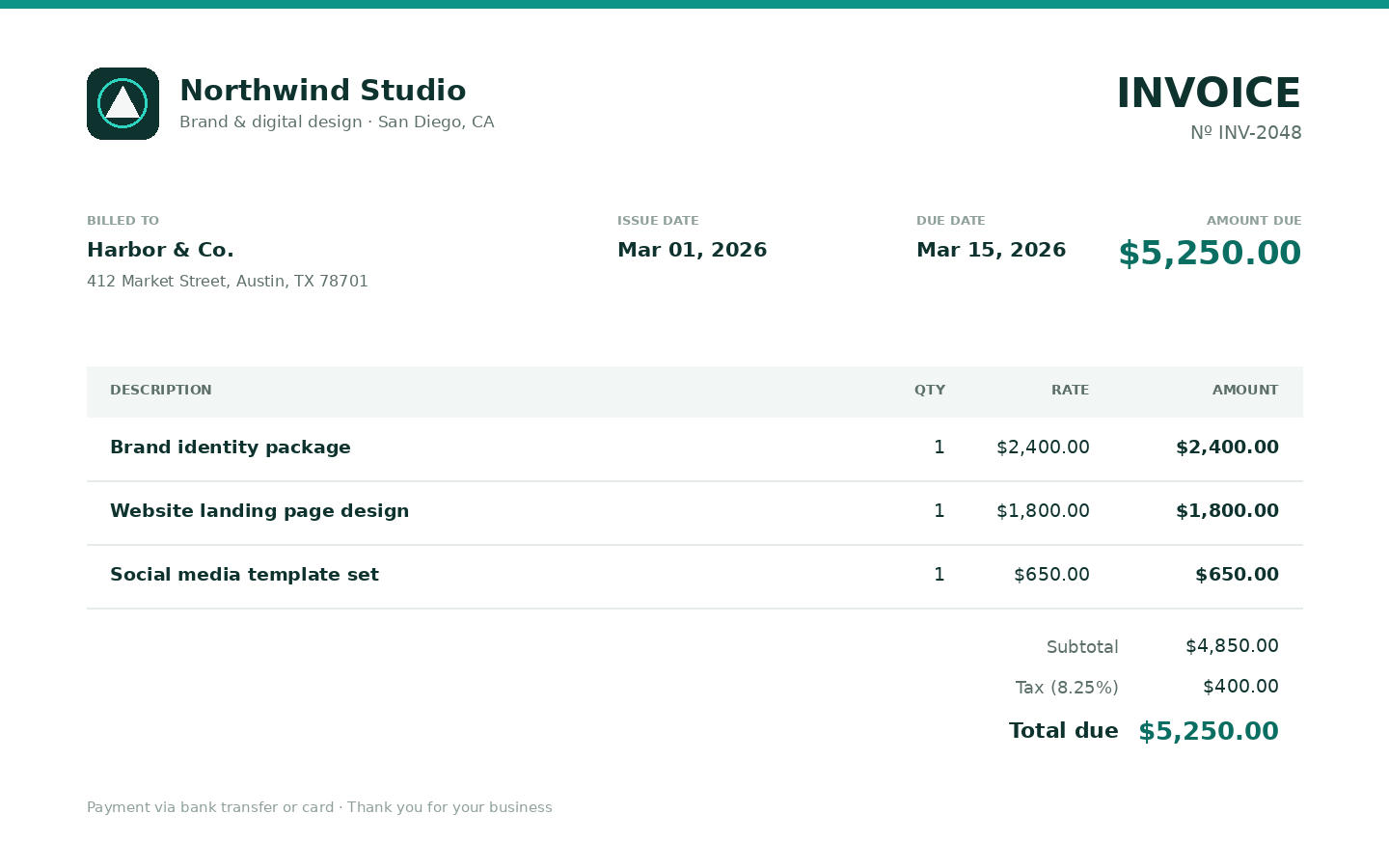
Build a branded invoice PDF in the browser
Fields, logo, live preview, then a PDF that matches what you see. No desktop install needed.
Read guide
Related tools: Invoice PDF Generator · Estimate PDF Generator
Ready to run it?
Shared credits · no software to install · failed jobs free