
Draft an NDA or service agreement with live preview
Start from a document type, edit the clause library, add parties and signatures, then download PDF and editable DOCX. You control the wording.
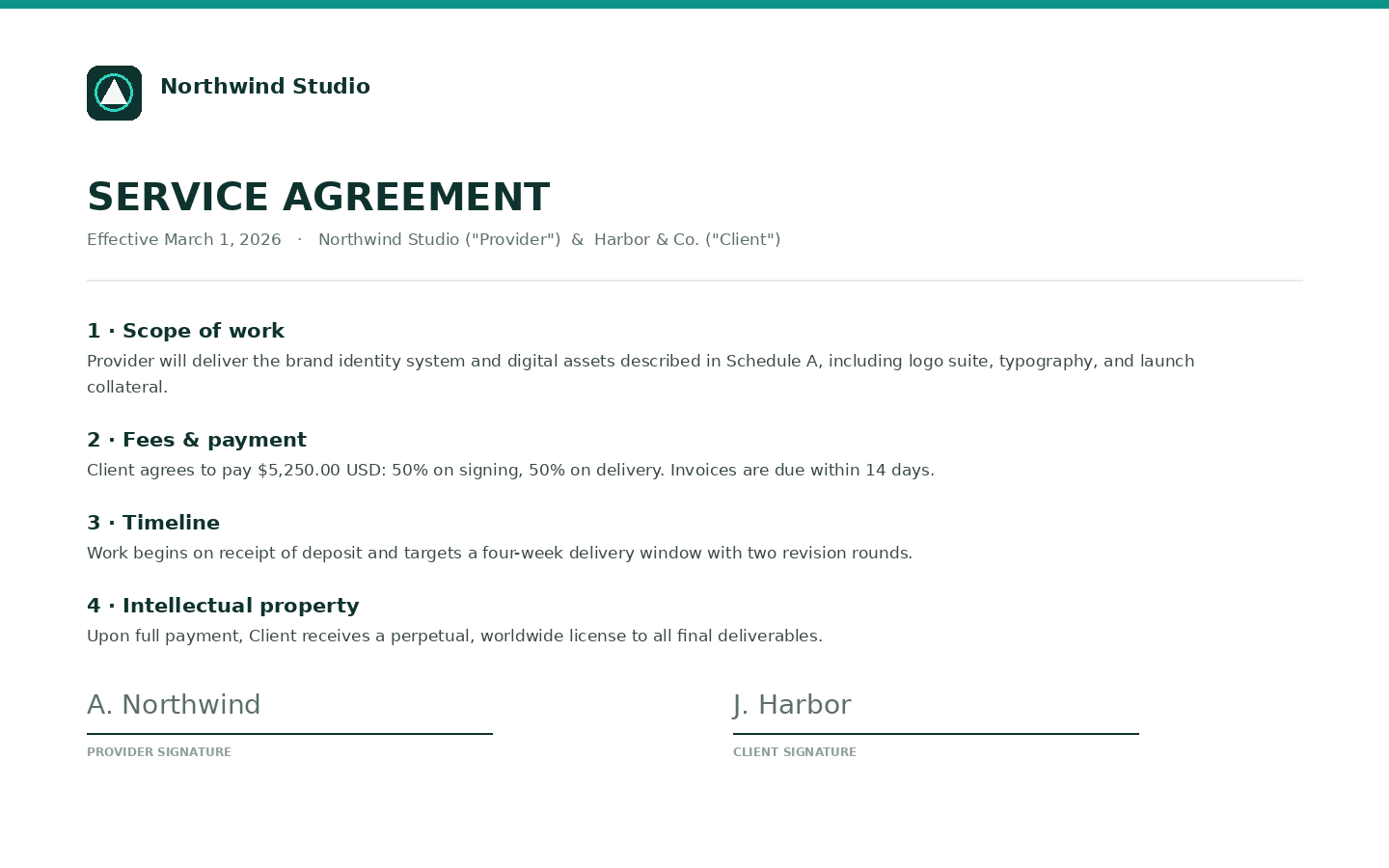
Word macros and "fill this PDF" NDA sites fight you on pagination. Contract Studio keeps a clause library, parties, signatures, and a live multi-page preview in the browser.
Product: Contract Studio.
Steps
- Open Contract Studio from My tools.
- Choose a type (NDA, service agreement, freelance SOW, or blank). Seeded clauses appear.
- Toggle, reorder, or paste clause text. Add parties, payment milestones, exhibits.
- Add a logo or signature images if you need them.
- Preview every page. Autosave is free.
- Generate PDF + DOCX. First download of either file is 1 credit once.
Not legal advice. Related commercial docs: client proposals.
Wiki: Contract Studio.
Try it
Open Contract Studio
Preview is free. 1 credit on first download. Claim 2 credits after you verify.
Open Contract StudioFAQ
- Is this legal advice?
- No. You edit every clause. We format and generate files. Have counsel review anything you rely on.
- Do PDF and DOCX each cost a credit?
- No. The first download of either file charges 1 credit once per contract. Both formats stay available.
- Can I save clauses for next time?
- Save a template (view and load). Templates are not downloadable files.